vConsultants Blog
open-menu
closeme
Home
VMware
Links
LinkedIn
Twitter
About
github
twitter
linkedin
rss
Reconfigure diagnostic partition with PowerCLI using Get-EsxCli
calendar
Apr 13, 2016
·
·
esxcli
esxi
powercli
·
:
twitter
facebook
linkedin
copy
VCSA 7 U1 available updates error
calendar
Mar 12, 2021
·
·
upgrade
vcenter
vcenter 7 U1
vCenter 7 U2
vsphere
·
:
twitter
facebook
linkedin
copy
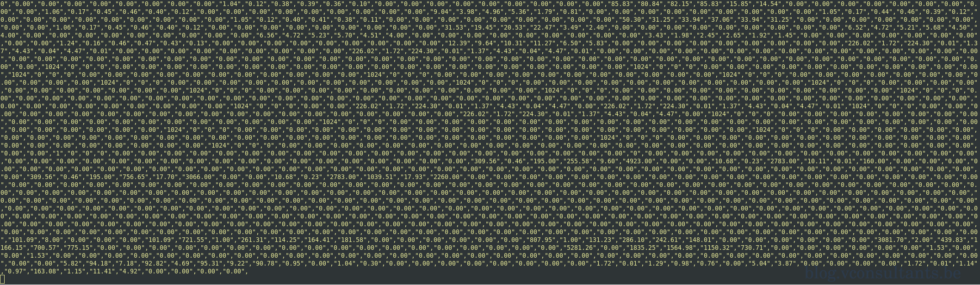
esxtop output is not displaying as it should
calendar
Dec 4, 2020
·
·
esxi
esxtop
linux
vmware
·
:
twitter
facebook
linkedin
copy
Upgrade Methodology – Upgrade the homelab
calendar
Oct 27, 2020
·
·
methodology
upgrade
vsphere
·
:
twitter
facebook
linkedin
copy
Use iPerf to test NIC speed between two ESXi hosts
calendar
Oct 26, 2020
·
·
esxi
vmware
vsphere
·
:
twitter
facebook
linkedin
copy
Cross vCenter vMotion Utility
calendar
Oct 31, 2019
·
·
homelab
vmware
·
:
twitter
facebook
linkedin
copy
Configuring Tesla M60 cards for NVIDIA GRID vGPU
calendar
Sep 17, 2018
·
·
:
twitter
facebook
linkedin
copy
Unsupported upgrade of VCSA 6.5 U2 to 6.7
calendar
Jun 28, 2018
·
·
upgrade
vcsa
vmware
·
:
twitter
facebook
linkedin
copy
Manage your PowerCLI vCenter menu entries
calendar
Sep 12, 2017
·
·
powercli
vcenter
·
:
twitter
facebook
linkedin
copy
vShield Endpoint SVM status vCenter alarm
calendar
Mar 23, 2017
·
·
esxi
trendmicro
vshield
vsphere
·
:
twitter
facebook
linkedin
copy
««
«
1
2
»
»»